PPTlover vs Canva
A Canva presentation alternative that starts from your document.
Canva is a full design suite with templates, stock media and Magic Design drafts you refine by hand. PPTlover is focused on one thing: turning your document or brief into a planned, fully designed presentation.
PPTlover and Canva, side by side.
Based on public information we checked in October 2026. Plans change, so confirm current details on each site.
| Feature | PPTlover | Canva |
|---|---|---|
| Approach | Plans the story, then designs every slide as a finished image based design. | A design editor where Magic Design drafts slides from a prompt, which you then refine by hand. |
| Starts from | PDF, Word, text, images or a web link. Or just a short brief. | A text prompt for Magic Design, or one of many presentation templates. |
| Design | 76 styles across business, consulting, data, editorial, fashion and more. | A huge template library, stock photos and graphics, plus Brand Kit on paid plans. |
| Export formats | PowerPoint (.pptx), PDF or images, in 2K or Ultra sharp 4K. | PDF, JPG, PNG and PowerPoint (.pptx). Canva notes PPTX files may look different in PowerPoint. |
| Editing | Regenerate any slide. The Editable text export turns words into PowerPoint text boxes, while graphics stay as artwork. | Full drag and drop editing, Magic Write and invite others to edit together. |
| Pricing | Pro is $20 a month for 600 credits. A slide costs 10 credits at 2K or 15 at 4K, and unused credits roll over. | Pro is US$144 a year for one person. Business is US$250 a year per person. |
| Free option | Your first slide is free, no card needed. | A free plan. Magic Design can be used up to 10 times for free. |
| Best for | Turning long documents into designed decks without hand layout. | Hands on design across slides, social posts, video and print. |
Real slides, made with PPTlover.
Every example was made from a short fictional brief.
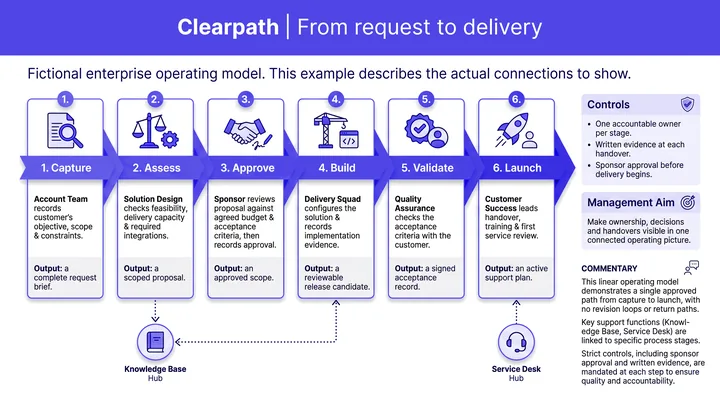
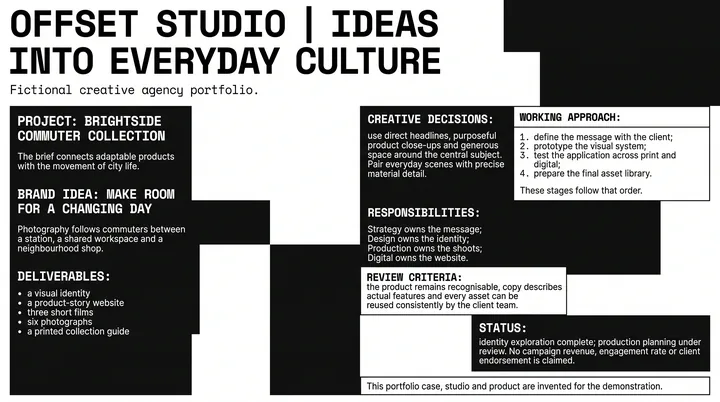
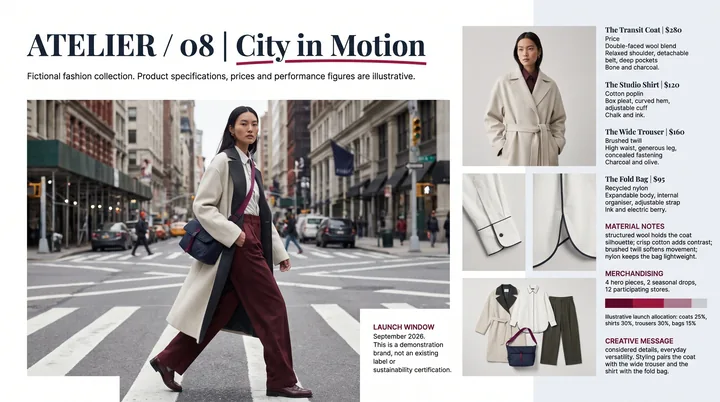
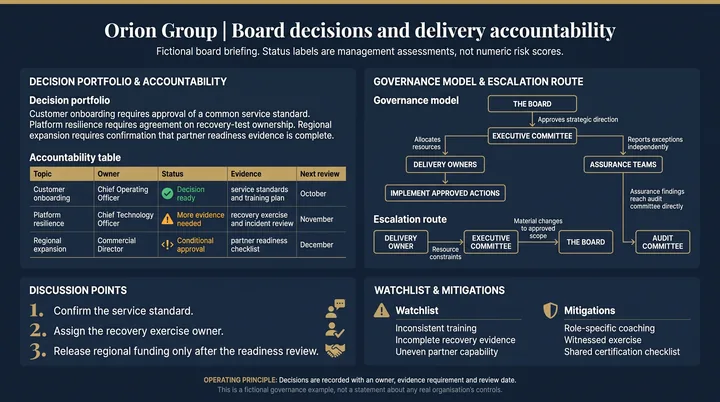
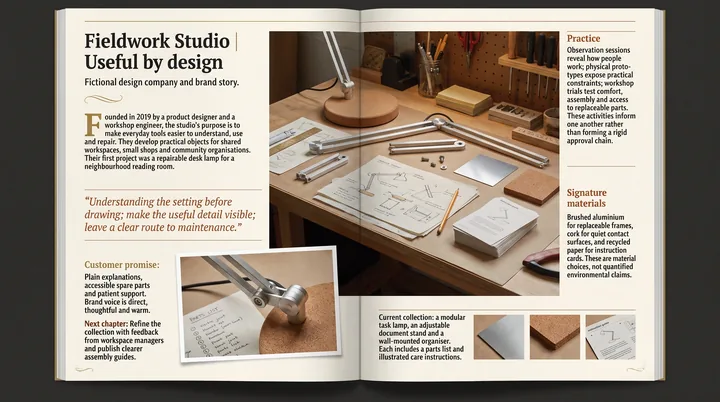
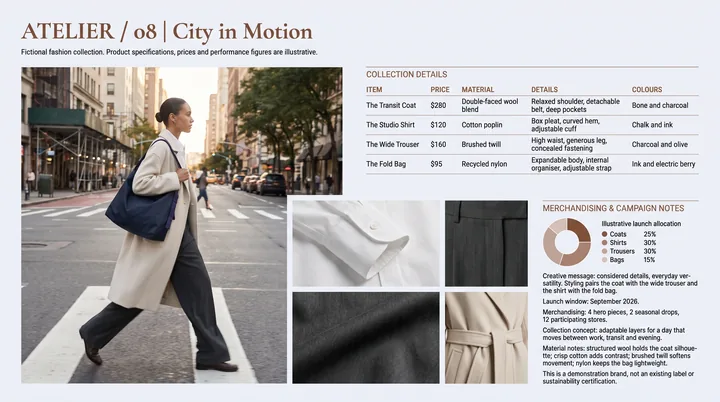
Why people pick PPTlover as a Canva alternative.
Your document becomes the deck
Upload a PDF or Word file and PPTlover plans one idea per slide, keeping your order and tables.
No hand layout
Each slide arrives composed, so there is no dragging boxes into place.
Built for PowerPoint
Download a .pptx with Editable text, so the words are real PowerPoint text boxes.
Your language
Slides are written in the language of your source content.
When Canva is the better fit. Canva is the better choice if you want to design by hand, use a big stock library, collaborate in one editor, or make social posts, video and print alongside your slides.
PPTlover or Canva: your questions.
Is PPTlover like Canva?
Not quite. Canva is a design editor where you shape each slide. PPTlover reads your content and designs every slide for you.
Can I use Canva and PPTlover together?
Yes. Export a Canva deck as a PDF and bring it into PPTlover as source material, or use PPTlover slide images inside Canva.
Does PPTlover have templates to edit?
No. PPTlover offers 76 styles and designs each slide for your content. You can change the words in PowerPoint with Editable text.
How much does PPTlover cost?
Your first slide is free with no card. Pro is $20 a month for 600 credits, which is about 60 slides at 2K or 40 at 4K, and unused credits roll over.
See it for yourself. One slide is free.
No card needed. Pro is $20 a month for 600 credits when you want more.
Start creating